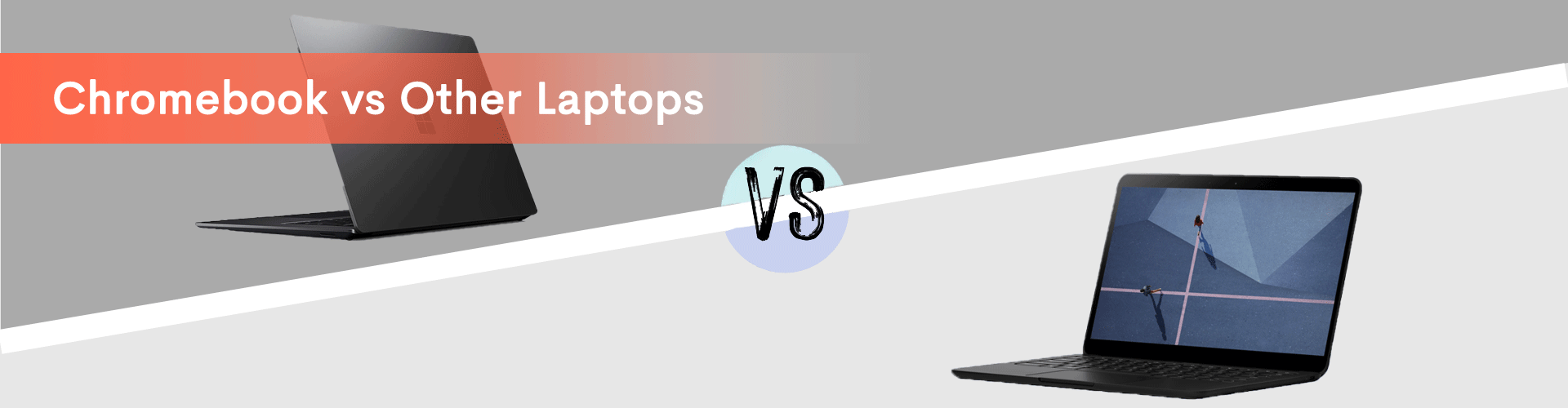
In this blog, we will compare Chromebooks vs other laptop and explore what makes Chromebooks special. We’ll also examine Chromebooks’ key differences and features.
Let’s get started
Remember 2010? when bulky laptops weighed you down and keypad phones ruled the scene? That’s when Chromebooks entered the market. Quirky, colorful, and powered by Google’s web-loving vision, they were…. different.
Some people mocked the Chromebook as being, “Just a glorified browser?” But then something interesting happened. People started using them.
Students appreciated Chrombooks’ affordability and simplicity. Busy people loved their lightning-fast boot times. Travelers were impressed with their featherweight build and epic battery life.
Before you knew it, Chromebooks weren’t just guests at the party – they were carving out a big portion of the market pie.
So, what makes the Chromebook great? How do they stand apart from traditional laptops? Let’s break it down!
Chromebook’s Operating System - Chrome OS vs. Others
Windows and macOS are extensive ecosystems rich with features. On the other hand, Chrome OS stands as an efficient and streamlined platform that offers a more straightforward and focused computing experience.
What is ChromeOS?
Chrome OS is a Linux-based operating system developed by Google. It is designed primarily for devices that fall under the category of “Chromebook“. Chrome OS is known for its simplicity, speed, and security.
Google built the Chromebook from the ground up for the web. They made it lean, clean, and instantly familiar. Forget clunky downloads, as Chromebooks live on web apps like Gmail, Docs, and YouTube. All these applications are accessible through the lightning-fast Chrome browser. Need more? Android apps fill the gaps and offer a familiar app store vibe.
But hold on, Chrome OS excels in daily tasks but may not be ideal for power users needing high-end performance in gaming or graphic design like Photoshop.
Here’s a Quick OS comparison: Chromebook vs Windows/Mac
Features | Windows/macOS | Chrome OS |
|---|---|---|
Focus | Software-based tasks, offline functionality
| Web-based tasks, cloud storage
|
Apps | Downloaded programs
| Web apps and Android apps
|
Complexity | Can be demanding to learn
| Simple and intuitive
|
Speed | Varies depending on the hardware
| Generally fast and responsive
|
Best for | Power users, professionals, gamers
| Students, casual users, travelers
|
Chromebook Hardware and Performance
Chromebooks prioritize efficiency rather than raw power. While traditional laptops might resemble hulking muscle cars, Chromebooks are more suited for nimble city runabouts. They focus on streamlined performance for everyday tasks like web browsing, email, and word processing.
But don’t underestimate their agility. Chromebooks boot up in seconds, leaving traditional laptops in the dust. And that cloud-centric approach? It keeps them lean and mean, free from software bloat that bogs down other machines.
Battery life? Think of them as marathon runners, not sprinters. You can expect your Chromebook to run all-day unplugged. This is a major advantage for students and travelers.
Advantages and Disadvantages of the Chromebook
Pros of Chromebooks:
- Affordability: They're often budget-friendly compared to other laptops.
- Simplicity: Web-based apps and cloud storage make them easy to use and maintain.
- Security: Chrome OS is known for its robust security features.
- Speed: Chrome OS is known for its speed. They boot up and run smoothly.
- Battery Life: Chromebooks allow for all-day adventures without scrambling for outlets.
- Portability: Lightweight and sleek, they're perfect travel companions.
Cons of Chromebooks:
- Internet Reliance: They need a solid internet connection to shine.
- Limited Offline Functionality: Some apps and features don't work without the internet.
- Less Powerful Hardware: Don't expect to run high-end software or games.
- Limited Software Compatibility: Not all softwares are compatible with Chrome OS.
Who Should Grab a Chromebook?
- Students: Chromebooks offer a simple and affordable solution for students. They are suitable for cloud-based tools for homework and online learning.
- Travelers: Chromebooks are highly Portable. They also have a long-lasting battery and offer web-based access to everything you need.
- Web-centric users: If your work revolves around web browsing, emails, etc. Chromebooks can be a cost-effective solution.
- Security-Conscious Users: Chromebooks are known for their security features. They are less susceptible to malware.
Conclusion
Chromebooks aren’t for everyone, but they’re no longer the quirky gadget they once were. They’re serious players in the market that offer web-first simplicity, portability, and affordability. So, if you value an easy-to-use, lightweight companion for everyday tasks, a Chromebook might just be your perfect match. But it might be best to look elsewhere if you need offline power, software versatility, or hardcore gaming.
If you need Chromebooks on rent, Rental Bunny is the perfect partner for you. Get in touch with us today!
FAQs
A Chromebook is a portable computer with ChromeOS, known for its simplicity. Typically, it has lower-powered processors, less RAM, and limited local storage compared to traditional laptops.
Chromebooks are known to be faster than traditional laptops, particularly for certain tasks. The speed advantage is attributed to the lightweight ChromeOS, which is designed to be quick and efficient.
Chromebooks excel in various tasks and are particularly well-suited for students. Their user-friendly interface and centered around a web browser. This feature makes them accessible for any student. Additionally, Google offers G Suite for Education and Google Classroom, which are valuable tools for teachers and school administrators, facilitating seamless remote learning experiences.